


Hybrid analog digital planner solutions are redefining how busy professionals, students, and parents organize their lives—by blending the tactile satisfaction of paper with the power of digital sync and reminders. If you crave both pen-and-paper flexibility and the assurance of app-based backup, you are not alone. This guide gives a data-driven, practical look at which hybrid planners deliver on the promise for 2026 and what to realistically expect.
Key Takeaways
- Hybrid analog digital planners combine the best of both worlds—handwriting and digital syncing—now with over 740 million units sold worldwide.
- Sync reliability, privacy, cost, and app compatibility are the main deal-makers or breakers in choosing the right planner for your workflow.
- The fastest growth in smart paper planner 2026 adoption is among Gen-Z, students, and professionals in Asia Pacific and North America.
- Why Hybrid Analog-Digital Planners Are Exploding in Popularity
- 2024–2026 Market Trends: Who’s Buying and Why
- The Leading Brands & Rocketbook Alternatives for 2026
- How Paper Planners with App Sync Actually Work
- Real-World Pain Points: What Users Love and Hate
- How to Choose the Best Hybrid Planner for Your Workflow
- Frequently Asked Questions About Hybrid Analog-Digital Planners
Why Hybrid Analog-Digital Planners Are Exploding in Popularity
The global shift towards hybrid analog digital planner products comes down to one word: integration. Nearly 41 percent of consumers now thrive on both handwritten notes and digital reminders to manage their lives. They want the tactile focus and memory boost that comes from writing, while also needing real-time backup, cross-device access, searchability, and instant reminders. According to market research, sales in this segment topped 740 million units in 2024, with daily planner products forecast to hit a market value of USD 523 million in 2025 and a strong 8.8 percent annual growth for digital-enabled options. Bottom line: the demand for seamless, paper-to-app organization is only rising, driven by the realities of modern life.

2024–2026 Market Trends: Who’s Buying and Why
Who is flocking to smart paper planner 2026 models? It’s not just tech geeks. Gen-Z is leading adoption, with 52 percent preferring mobile or hybrid planning methods over pure paper. In North America, hybrid planners have captured the largest share by value, while Asia-Pacific regions see the fastest growth at nearly 9.7 percent CAGR.
Demand is especially hot among:
- Students and educators—academic planner use shot up by 31 percent as they seek distraction-free focus, but require digital backups and cloud access.
- Working professionals—cross-device access and integration with existing productivity apps is a must.
- Parents and caregivers—being able to sync family appointments, reminders, and school events in both physical and digital forms offers real peace of mind.
Planners with built-in habit trackers or wellness templates now account for over half of all planner sales, reflecting the growing trend of multifunctional productivity tools. See more consumer insights on the market report for 2026.
The Leading Brands & Rocketbook Alternatives for 2026
The hybrid analog digital planner market is evolving rapidly. While Rocketbook has long set the pace for notebook that syncs to app technology, fresh rocketbook alternative 2026 competitors are gaining ground. The big four—Rifle Paper Co., Blue Sky, Erin Condren, and Passion Planner—now command a combined 16 percent global market share and dominate US shelves.
How do newer entrants differentiate themselves?
- Erin Condren and Passion Planner focus on layouts that encourage intentional reflection, often paired with robust app sync.
- Blue Sky and Rifle Paper Co. push for creative, customizable inserts and easy integration with mainstream productivity apps.
- Emerging brands are experimenting with erasable paper, eco-friendly pages, and seamless two-way sync with Google Calendar or Notion.
Looking for a Rocketbook alternative for 2026? Compare user reviews closely—unreliable app sync or poor customer support can make or break the experience. For another angle on digital-analog journaling setups, see this smart pen review guide.
How Paper Planners with App Sync Actually Work
The heart of hybrid analog digital planner technology is the workflow connecting paper and digital. Popular options include:
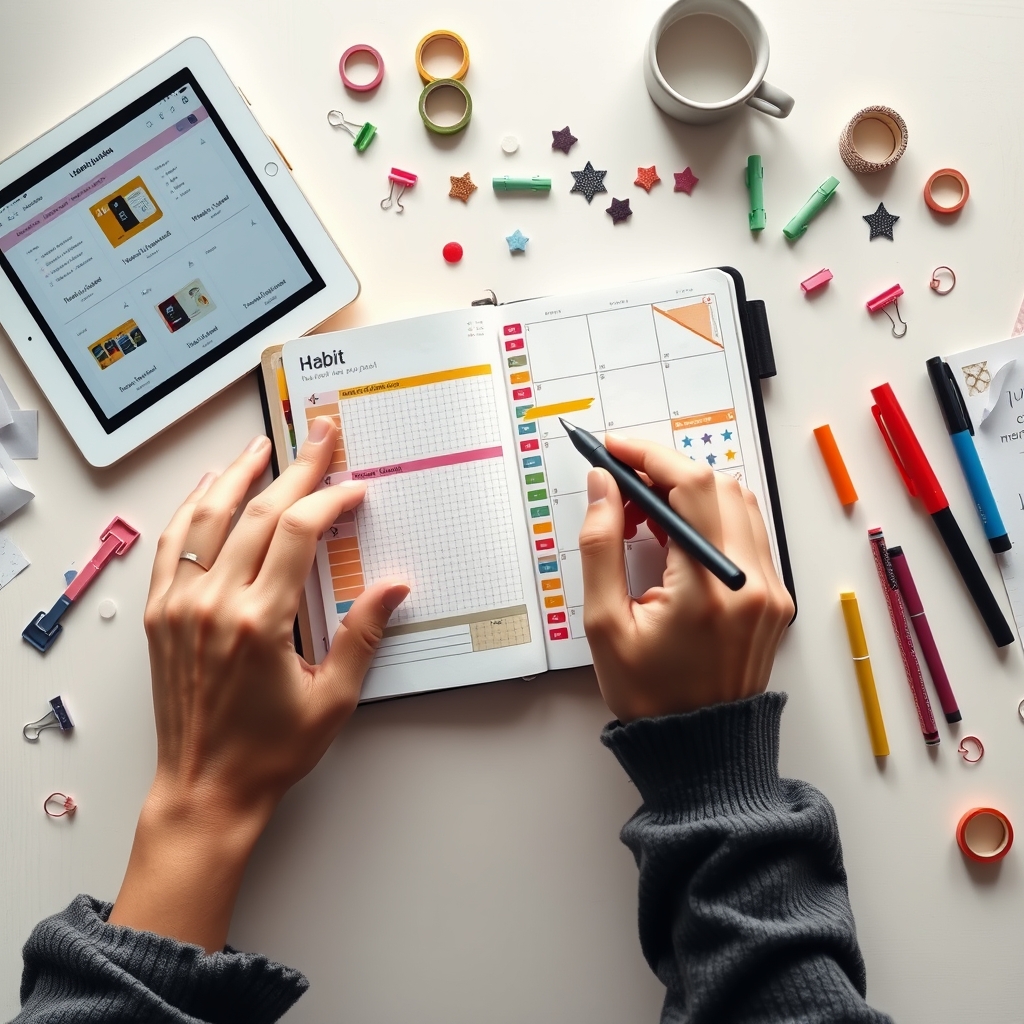
- Paper planner with app sync: Notebooks designed with coded pages or unique markers that, when scanned with a companion app, upload written notes/events directly into your cloud calendar or note app.
- QR code bullet journal systems: Add-ons or stamps that you place in your bullet journal, which are recognized by planner apps and trigger instant sync.
- Digital companion for physical planner: Sometimes called bridging apps—these allow users to photograph, OCR, or tag handwritten content, attaching it to digital tasks or events.
The process is generally:
- Write in your planner as usual—set tasks, events, and ideas.
- Use a companion app to scan specific pages, integrate markings/codes, or sync via a digital pen.
- Your content is digitized, made searchable, and can send reminders, notifications, or sync with other apps such as Google Calendar or Outlook.
Did you know bullet journals now have around 92 million global users? The demand keeps rising, especially among students and knowledge workers. For more about combining classic bullet journaling with digital tools, check out this bullet journal beginner’s guide.
Real-World Pain Points: What Users Love and Hate
No hybrid system is perfect, and user reviews reveal some persistent pain points with paper planner with digital integration solutions:
| Pain Point | Details | Reported Outcome |
|---|---|---|
| Sync Reliability | Delayed or missed reminders, duplicate entries, and sync failures—especially across iOS, Android, and Windows ecosystems. | Missed meetings, frustration, loss of trust in the product. |
| Privacy & Data Safety | Concerns over cloud storage, account breaches, lack of encryption for sensitive notes. | Some users refuse to sync personal or confidential content; others abandon the digital features entirely. |
| Durability & Usability | Pages wear out from frequent erasing or stylus use; some planners too bulky when adding inserts and tech accessories. | Replacement costs; reluctance to experiment creatively for fear of damaging the planner. |
| Total Cost of Ownership | Initial planner price (USD 30–60); devices like tablets or styluses (USD 300–500); recurring app subscriptions (USD 5–10/month). | Sticker shock; difficulty justifying recurring costs over traditional paper alternatives. |
| Learning Curve & Ecosystem Issues | Steep learning curve for new users, overwhelming feature sets, battery dependence, and screen fatigue. | Some users revert to simple pen-and-paper or single-app workflows. |
If you’re looking for creative planner strategies that don’t rely solely on tech, explore approaches like anti-planners for ADHD or creative DIY systems (junk journal supplies are gaining traction).
How to Choose the Best Hybrid Planner for Your Workflow
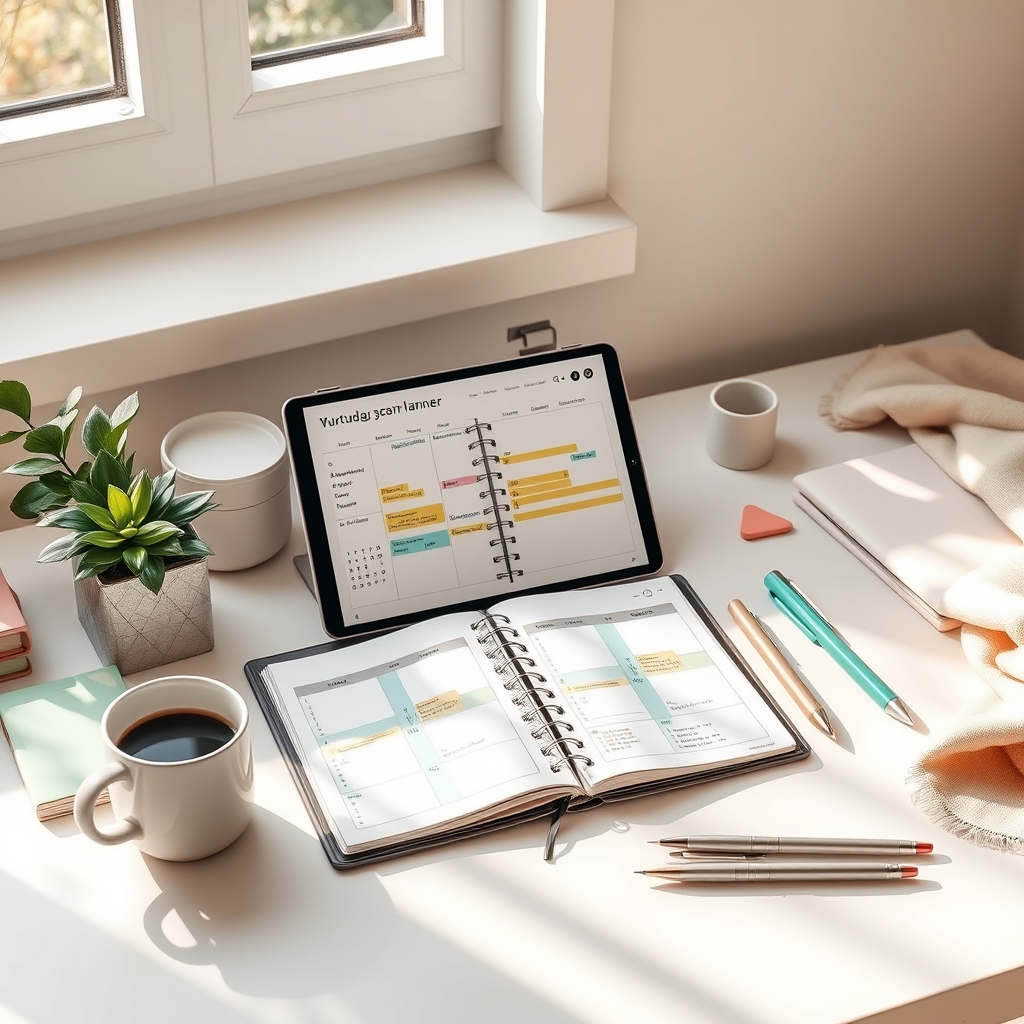
The best analog digital journaling workflow is one you will actually use every day. Consider:
- Features vs. Simplicity: Do you want robust syncing, automatic reminders, and two-way cloud backup—or is a simple notebook with occasional photo-upload enough?
- Privacy: If sensitive data security matters, favor planners that offer offline-first sync or strong encryption—see our AI journaling app privacy guide for strategies.
- Device Requirements: Check if you need to buy a stylus or tablet. This can triple your upfront cost if starting from scratch.
- Total Cost: Don’t overlook recurring app subscription fees, especially if you prefer free tools or minimalism.
- Learning Curve: Some planners require time to set up. If you want the fastest analog-to-digital system, consider planners or stickers with pre-set QR codes, or minimal-companion apps.
- Futureproofing: Hybrid tools are rapidly evolving. Opt for solutions with regular updates, strong user communities, and non-proprietary formats (PDFs, open notes).
Many users are abandoning overly complex setups due to technical errors, battery dependency, and increased screen fatigue. Hybrid planners should make your life easier, not more complicated. If creativity or eco-friendliness is your thing, explore options like sustainable journal inserts for a lower-tech alternative with real-world impact.
For inspiration, check how multi-insert and modular systems like Traveler’s Notebooks foster adaptable workflows that can coexist with digital sync.
Frequently Asked Questions About Hybrid Analog-Digital Planners
Do hybrid analog digital planners work with iOS and Android?
Most major brands offer app integration on both iOS and Android. However, users still report occasional cross-platform sync glitches and feature inconsistencies. Always confirm compatibility with your preferred devices before purchasing.
Is my information safe when I sync my notebook to an app?
Privacy is a top concern. Many apps use cloud storage, which can expose your notes if not properly encrypted or if your account is compromised. Look for planners that emphasize local device sync or allow you to export and store data securely.
How much will a full hybrid analog digital planner setup cost per year?
Expect between USD 30 and 60 for a quality planner, USD 300–500 for optional tablets or pens, and USD 60–120 per year for app subscriptions. Evaluate if these costs fit your needs and workflow.
Can I mix and match traditional planners with digital sync features?
Yes, you can adapt most physical planners with smart stickers, QR codes, or companion scanning apps to achieve a custom hybrid analog digital setup. Start small and build up as your workflow evolves.
What if the sync fails or the app shuts down?
Always have a backup plan. Export your digitized notes regularly or stick to hybrid planners with open file formats. If an app is discontinued, you will still have your physical planner and exported files.
Conclusion
Hybrid analog digital planner solutions are seeing real global momentum as the best of analog and digital blend into seamless workflows. But choosing the right one means being honest about your sync needs, privacy standards, learning style, and budget. If you demand greater self-organization in 2026, start with a setup that fits your daily routine—and always test sync reliability early. Invest in a solution that supports your real-life needs, not just the latest buzzword. Ready to upgrade? Research features, check reviews, then commit and watch your productivity soar.
—